

Calendar: “This time is already taken”
What the event overlap warning means, which events count as busy, how to move an event to a free slot or create it anyway.
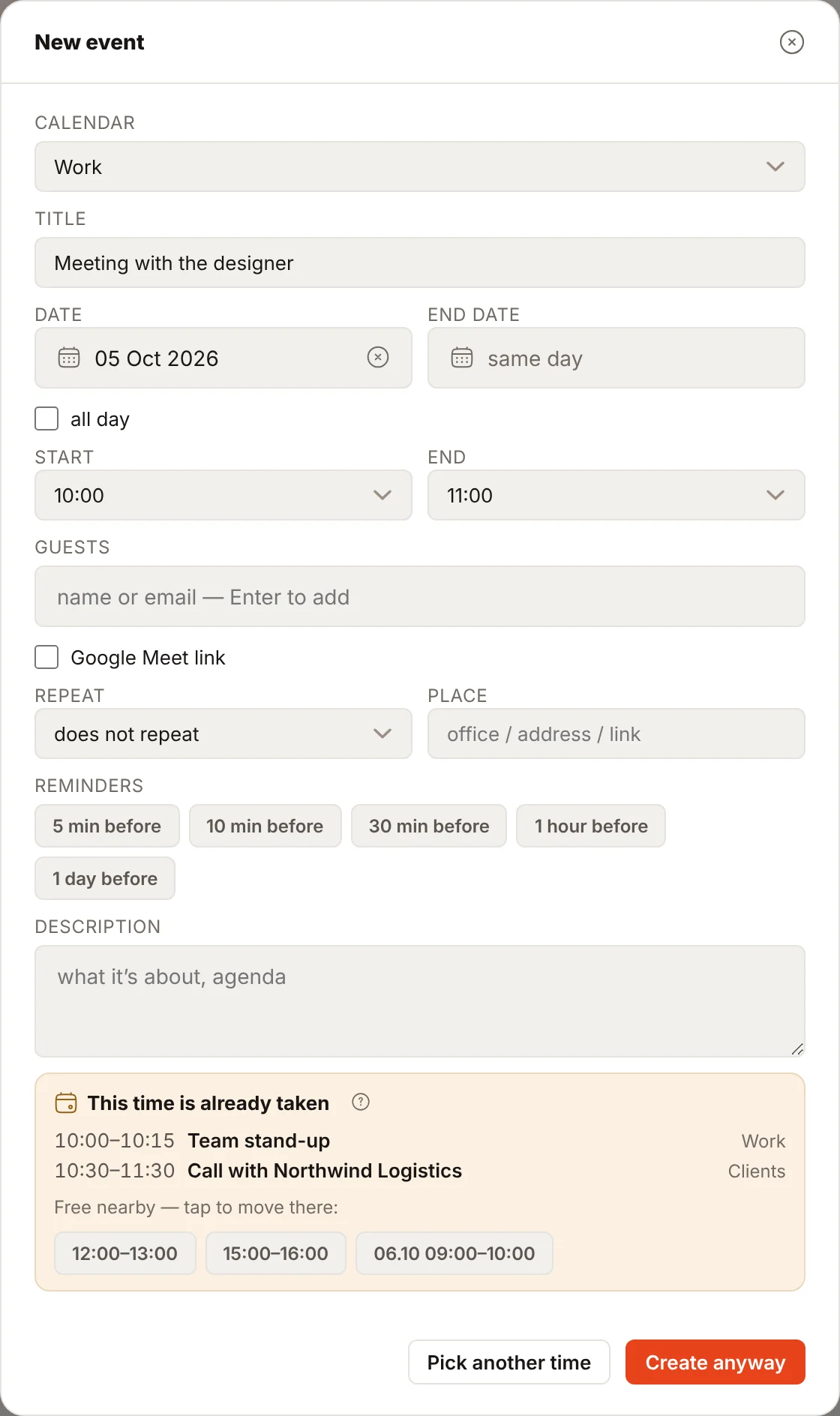
When you create an event with a time or move it to another time, Rivo first checks whether that time is free. If another event already takes it, instead of saving you see the warning “This time is already taken” — so you do not end up in two meetings at once.
What the warning shows
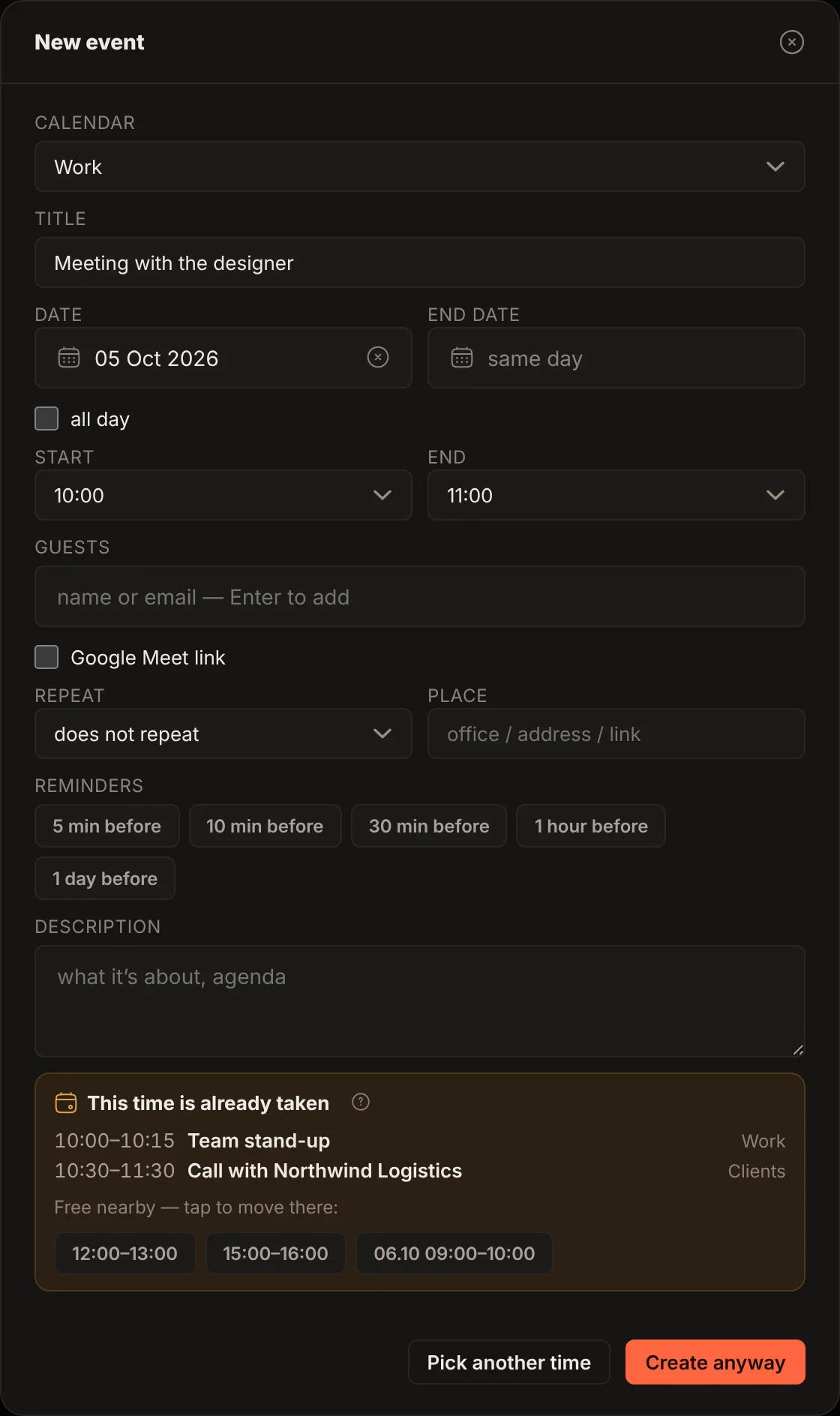
- The list of overlaps — the time, title and calendar of every event that overlaps the new one.
- “Free nearby” — the nearest free slots of the same length: on the day of the event and the two following days, from 09:00 to 21:00. Tap a slot and the time in the form changes to it.
What you can do
| Button | What happens |
|---|---|
| a slot from “Free nearby” | the event time changes to the chosen one, then save the form as usual |
| “Pick another time” | the warning closes, the form stays open — change the time yourself |
| “Create anyway” (or “Save anyway” when moving) | the event is saved at the busy time; the overlapping events are not changed |
Rivo cancels and moves nothing by itself: you decide.
Moving in the grid. In the web you can drag an event in the week or month view (in the week view on a phone — with a long press, from the keyboard — with the arrows and Enter). If the new time is busy, the event stays where it was, and the form opens at the new time with the same warning and the same buttons.
What counts as busy
The time is busy if it is taken by an event:
- in any connected Google Calendar account;
- or an event created in the dashboard itself (“Dashboard only”).
Not counted as busy:
- all-day events — birthdays, vacations, deadlines;
- meetings you declined;
- events marked “Free” in Google;
- cancelled events.
Recurring meetings in Google count with every occurrence.
If you create a recurring event, its occurrences are checked four weeks ahead for daily and weekly repeats; for other recurrence rules only the first occurrence is checked. “Free nearby” is not offered for a recurring event — change the time yourself.
Time zones are taken into account: the time in the form is in your Rivo’s time zone, and a meeting created in Google in another zone is compared by its actual time.
When there is no check
- When creating an all-day event.
- When dragging an event in the calendar grid in the iPhone app — busy time is visible there anyway (in the web, moving in the grid is checked).
- When editing an event without changing its time (title, description, guests).
- When saving a “Dashboard only” event — the check runs only for events written to Google Calendar. If Google is not connected, there is no check at all.
- When the event is created by the assistant, the Telegram bot or MCP, and when it is created directly in Google Calendar. An API integration gets the check only if it asks for it.
- Booking a meeting through the booking page checks busy time in its own way: busy time is simply not offered there.
Otherwise the check works the same way in the web and in the iPhone app.